Purchasing new hardware* for your business can be a challenge given the many options available and different factors you need to consider such as features, compatibility, pricing, brand, etc. Since hardware items take up a significant part of your IT budget, careful consideration is required before each purchase.
To find the best fit for your business, it’s important to think about how any piece of hardware will be used, who will be using it and how often, and what tasks they will be using it for. When you have a clear idea of this, it’ll be easier to know what to look for in your next hardware purchase. Here are a few things to consider when you are choosing between the different product options:
1. What features should your hardware have?
Before beginning your hardware search, create a list of “required” features that are critical to the operation of your business. Then make another list of “preferred” features that are not essential but would be useful and make life easier. By doing this you can eliminate many products from the search that don’t come with the “required” features or are too expensive. From there, you can make a final selection based on the number of additional, “preferred” features that the product has.
2. What are your speed and performance requirements?
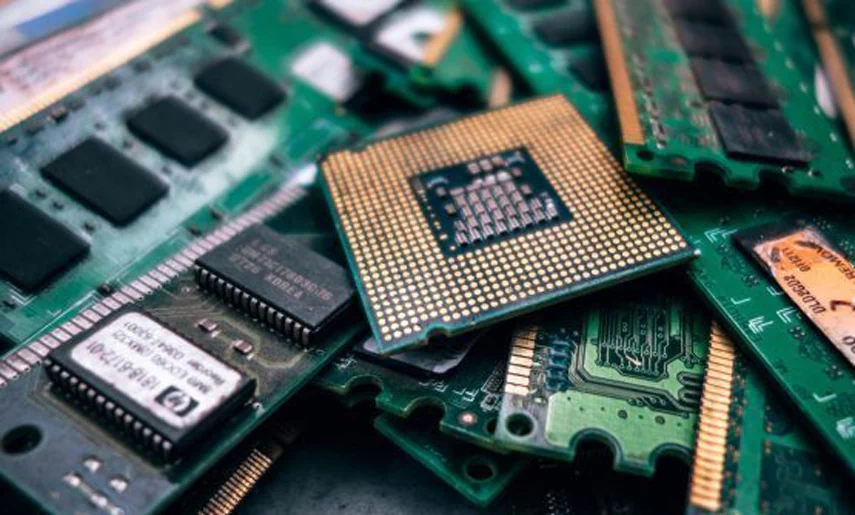
Hardware devices typically have a processor or CPU that determines its speed and performance. The higher the processing power, the better your device is at handling complex tasks and larger workloads. In general, the latest generation processors will be more than capable of performing basic business tasks. There are also certain types of processors designed for specific, high-performance functions such as video editing or 3D modelling. Deciding how much processing power you need mainly depends on the type of tasks your device will be performing.
3. What storage capacity do you need?
Storage or memory refers to the amount of information that can be stored on a device to be accessed and used later. Almost everything on your computer requires storage, from basic documents and photos to complex programs and applications.
When determining how much storage space you need, it is helpful to check how much you are currently using on your existing hardware. The storage capacity of your new hardware device should be well beyond what you actually need to keep stored. This is because the amount of storage you have available directly impacts performance. The closer you are to the storage limit, the slower your device will be.
Related: Simple Ways to Speed Up Your Computer
4. Do you need hardware that supports work mobility?
Research shows that 52% of employees around the world work remotely at least once per week. Even if your company doesn’t do telecommuting, there’s a high chance that you or another team member might travel for business and need access to work files from somewhere other than the office desk.
The hardware products you decide to purchase will have a major impact on your team’s ability to work remotely or to stay mobile throughout the day. Choosing laptops instead of desktops will allow you to work from anywhere. It is also worth investing in USB sticks or small, external hard drives to allow files to be accessible from different locations.
5. What is your budget?
In 2019, small to medium businesses allocated 41% of their IT budgets to hardware purchases. Given that hardware products are especially expensive, you’ll need to set a firm but realistic budget that also accounts for additional expenses such as customization, software subscriptions, accessories, training, technical support and extended warranties. You don’t want to search for the cheapest option only to have it break down within months. To protect your investment, it is best to opt for hardware products that offer a warranty.
6. Compatibility
Will your new hardware integrate well into your existing hardware, software, office set-up, etc? You may discover that you need to invest in more than you initially planned to. It is important to develop an IT strategy based on your business goals. Your hardware purchases should support the growth of your business and not just be quick fixes for immediate issues. As your business grows, you will need to increase the network, storage and processing capabilities of your IT system. The hardware you choose now should have the flexibility to accommodate this change.
If you need further assistance with hardware purchases, talk to our consultants at Insight IT. We can make the process easy and straightforward by evaluating your current IT system and finding hardware solutions most suitable for the long-term growth of your business.
*Hardware refers to any physical tech products including desktop and laptop computers, servers, printers, portable storage devices, video cards, and telephony systems.