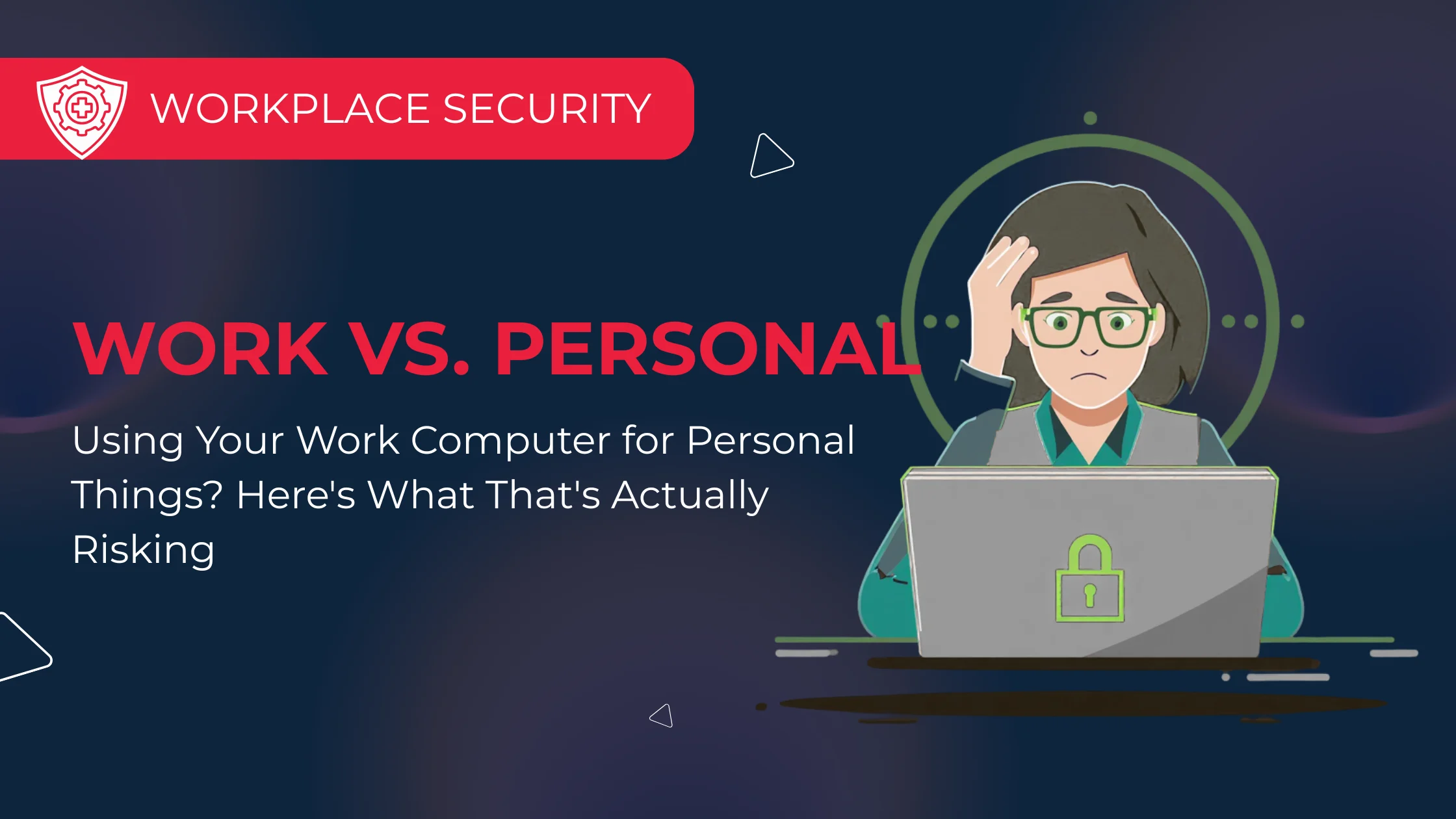
Most people use their work computer for the occasional personal task. Checking a personal email, buying something online during lunch, or watching a quick YouTube video while waiting for a file to download all seem harmless enough.
In most cases, they are.
The issue isn’t that people are doing the wrong thing. It’s that personal use can expose a work computer to risks that wouldn’t normally exist, and because that computer is connected to your business systems, any problem has the potential to affect more than just one person.
Personal Browsing Can Introduce Unnecessary Risk
Business devices are usually configured with security in mind. They’re monitored, updated, and protected so staff can safely use the applications they need for work.
Personal browsing is different.
Downloading free software, visiting unfamiliar websites, or installing browser extensions can all introduce risks that have nothing to do with your day-to-day job. If something malicious is accidentally downloaded, it isn’t just your computer that’s affected. Depending on the situation, it could also impact shared files, business applications, or other systems on your network.
Personal Accounts and Business Data Don’t Mix Well
Another common situation is using personal accounts to work around a problem. Perhaps a file is emailed to a personal address so it can be accessed from home, or it’s uploaded to a personal cloud storage account because remote access isn’t working properly.
It’s usually done with the best of intentions, but it creates a situation where business information is sitting outside the systems your business manages and protects.
That makes it harder to secure, recover, or even locate later if it’s needed.
Small Habits Make a Big Difference
The easiest way to avoid most of these issues is to keep work and personal activities separate wherever possible.
If you want to check personal email, browse social media, or do a bit of online shopping, using your phone is often the simplest option. It keeps your personal accounts separate from your work environment and reduces the chances of business information ending up in the wrong place.
If you do need to use your work computer occasionally for personal browsing, avoid downloading software or browser extensions unless they’ve been approved by your IT team.
Relaated post: How to speed up your computer
It’s About Protecting the Business
Good IT security isn’t about watching what staff do during their lunch break. It’s about reducing unnecessary risk and making sure business systems remain secure, reliable, and available for everyone who depends on them. A secure home office setup is an important part of protecting business systems, particularly when employees work remotely. Establishing clear security policies, secure device access and consistent remote working practices helps reduce risks while keeping teams productive.
A few sensible habits, combined with the right security controls, go a long way towards protecting your business without making technology harder to use. At Insight IT, we help businesses put practical security measures in place that protect both their systems and their people. Often, it’s the small changes that make the biggest difference.